AI photo editor
that changes only what you ask
Upload a photo and say what to change. The face, the pose and everything you did not mention stay as they were. Remove a background, erase an object, upscale to 4× or restore an old print with the tools below.
Sign up free for 10 credits, no card needed. Credits come back if an edit fails.
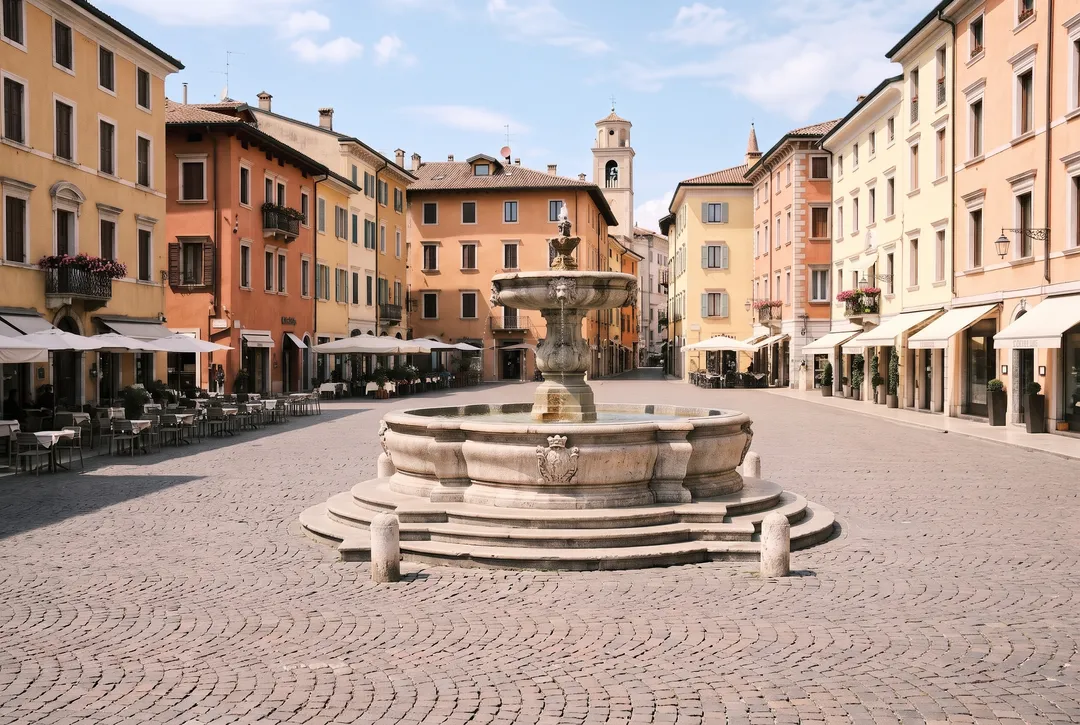
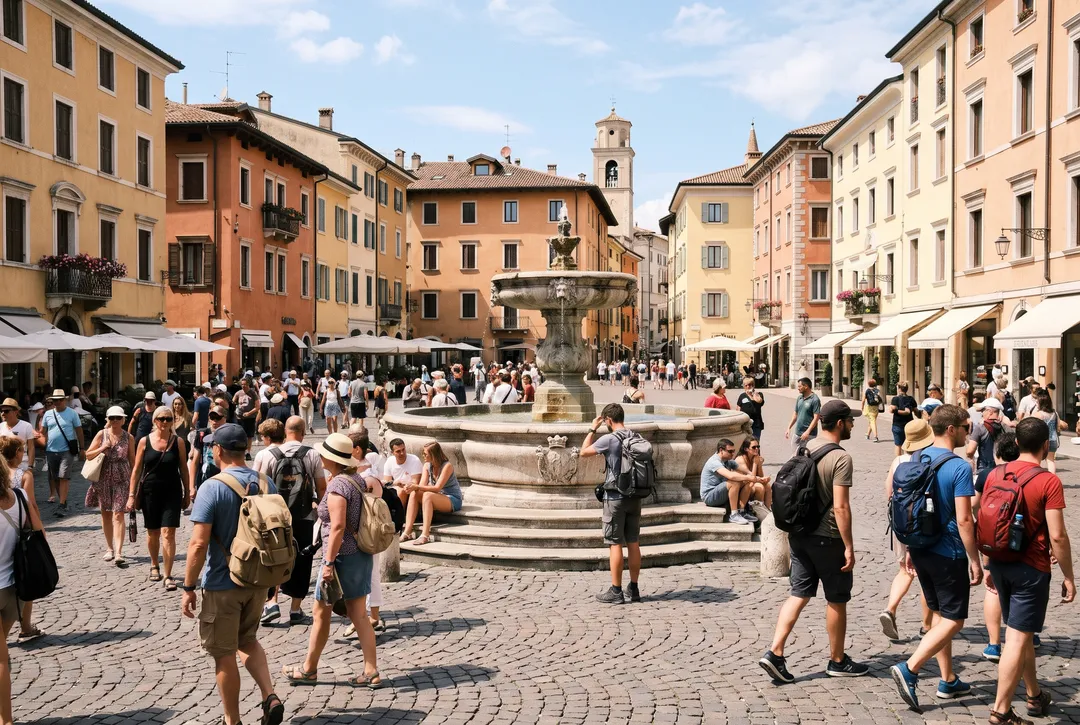
“Remove all the tourists. Keep the fountain, buildings and lighting unchanged.”
- 10 free credits at sign-up
- 3 free cutouts a day, no account
- No watermark
- Credits back if a run fails
- Pack credits never expire
One photo editor, eight jobs
The editor handles anything you can describe. For the jobs people do most, a dedicated tool is faster, cheaper and more precise. Every result below is real and was not retouched.
Edit a photo with a text prompt
Write what to change, like a new label text, a hair color or an evening sky, and the rest of the photo stays the same. Add up to 5 photos to combine them, then keep editing the result.
- 3–16 credits
- Style, Standard or Pro model
- Most edits take 30 to 45 seconds
Real jobs often take two or three tools
Each result can go straight into the next tool. Here is what common jobs look like, step by step, with the credits each one costs.
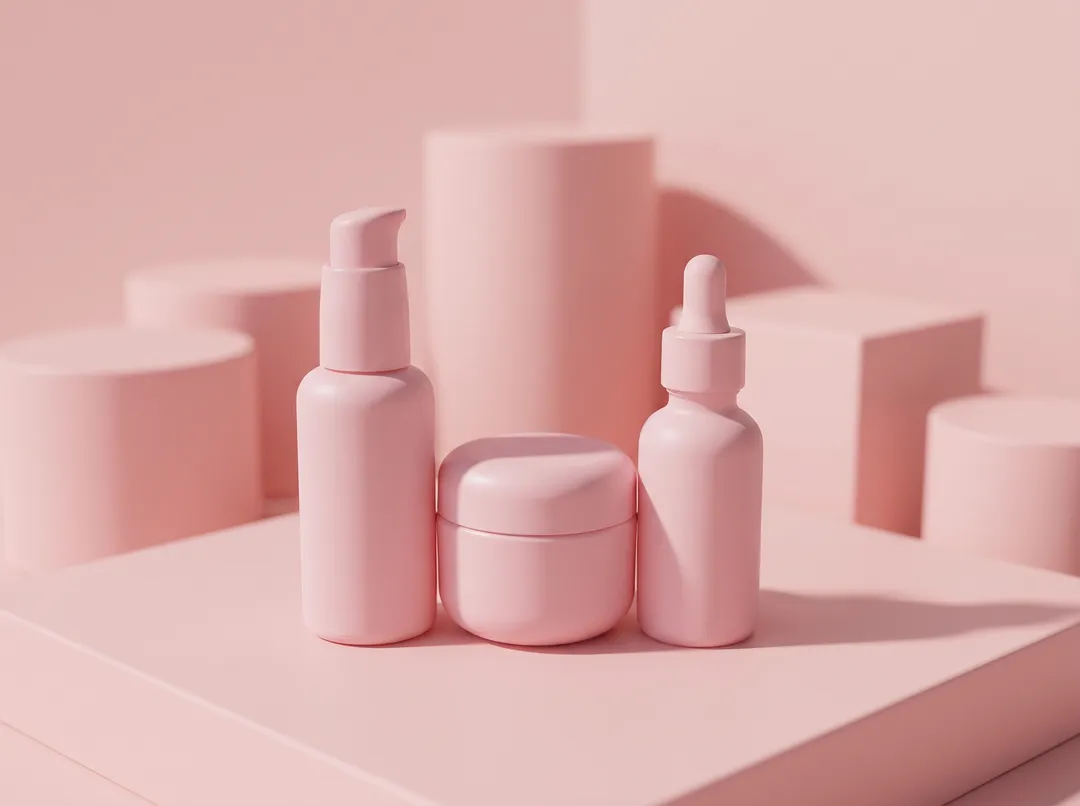
Sell a product online
Cut the product out for a white listing photo, place it in a styled scene for ads, and upscale the best one for the product page zoom.
About 6 credits in total
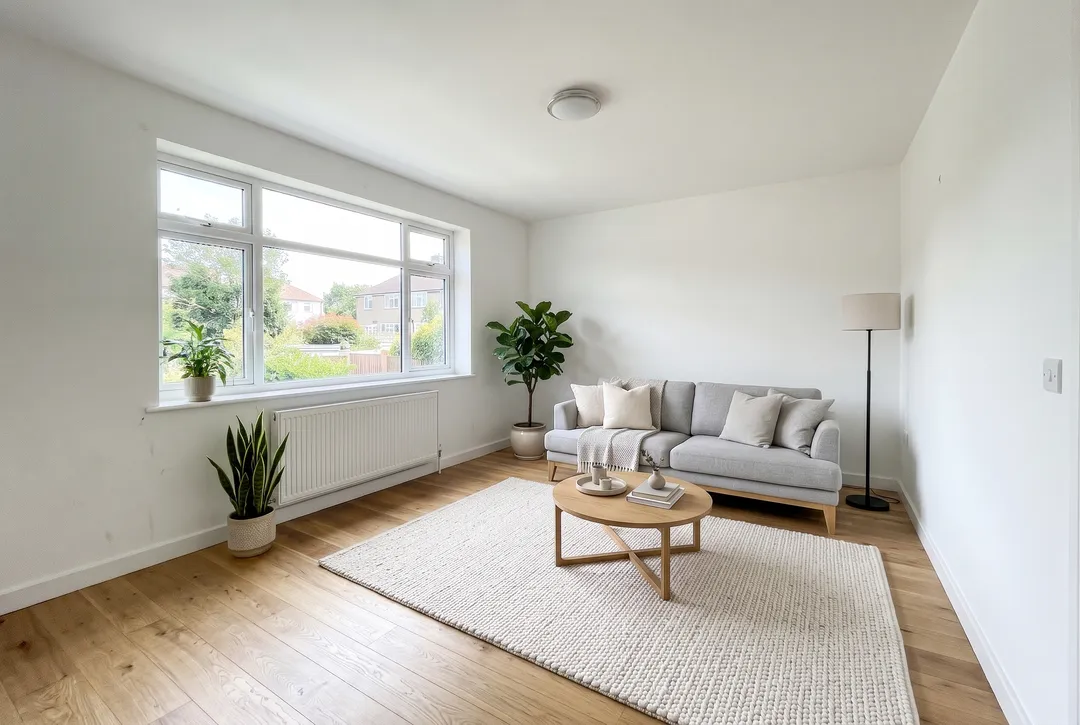
Real estate listing
Clear the clutter, stage the empty room with furniture, then show it at dusk with the lamps on. The walls, windows and floor stay real.
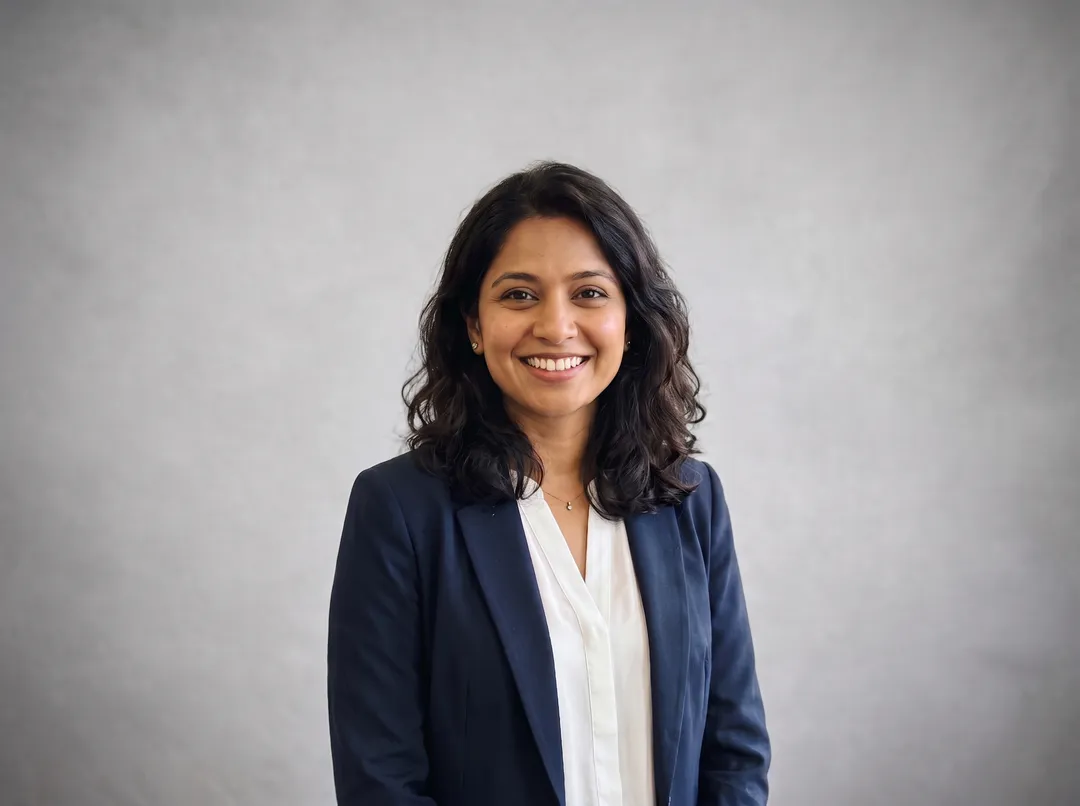
Profile headshot
Swap a busy background for a plain studio gray or a soft office, then enlarge it so it stays sharp on a large screen or in print.
About 5 credits in total
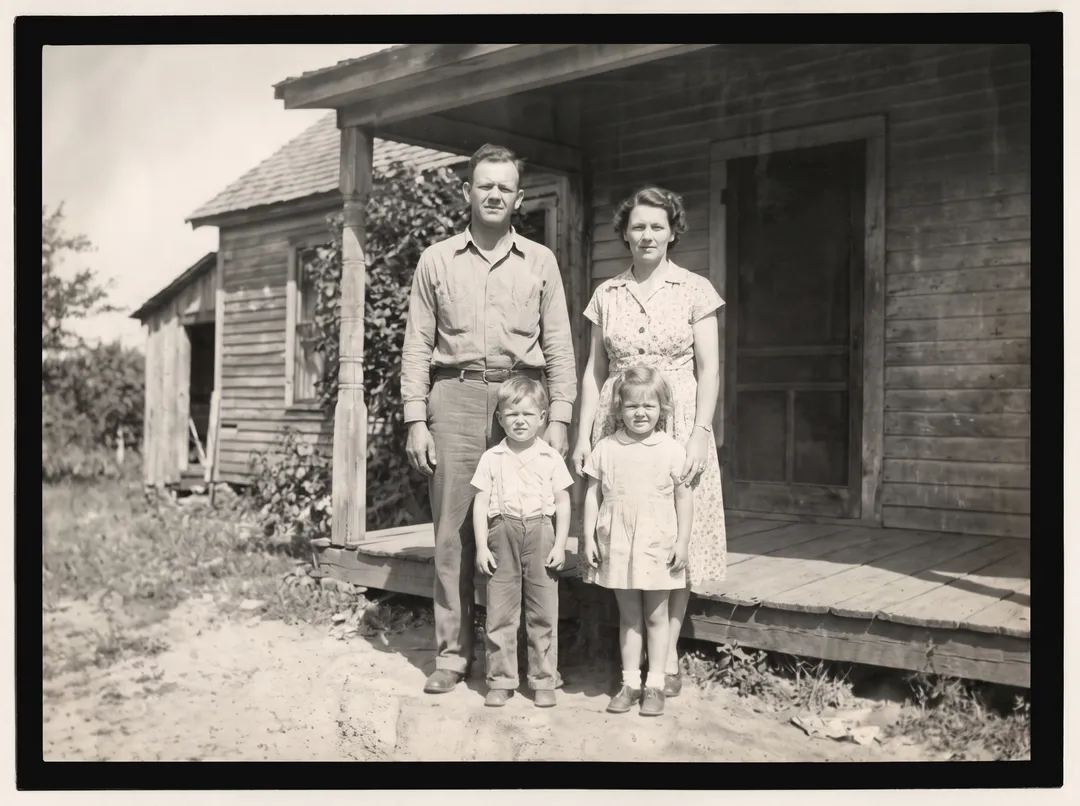
Family archive
Repair a creased or faded print, then enlarge the restored photo for a frame or a photo book.
About 3 credits in total
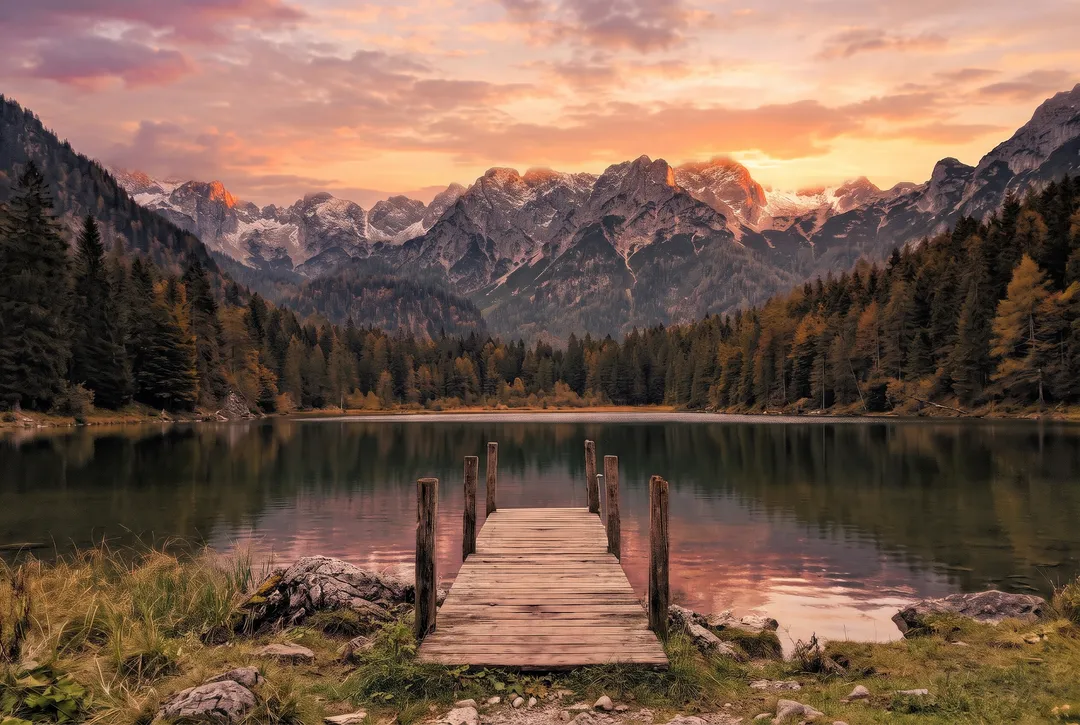
Travel photos
Erase a stranger or a power pole with the brush, then replace a grey sky with a sunset in one prompt.
About 6 credits in total
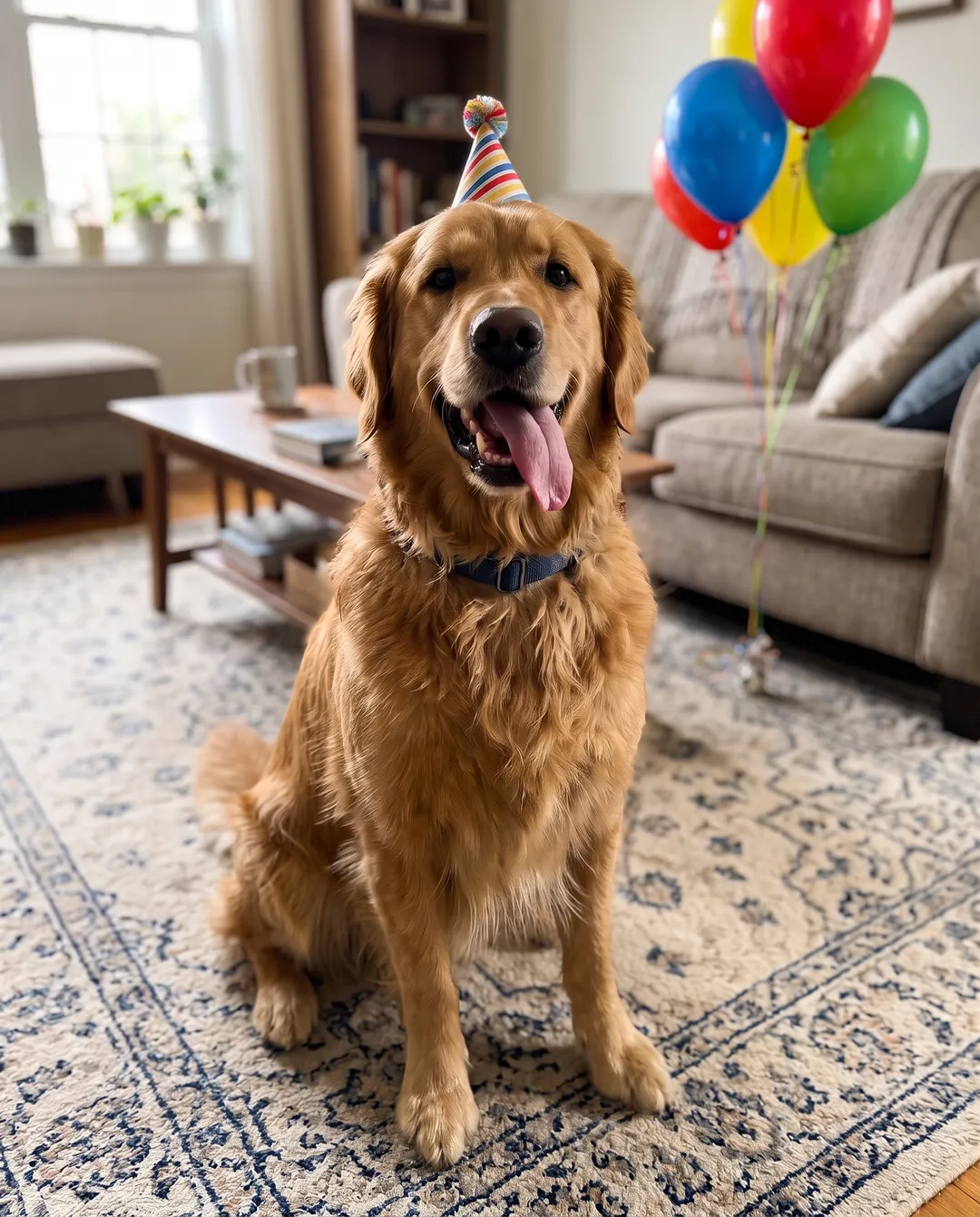
Pet photos
Give your pet a party hat or a scarf, then move it to a new scene for a card, a calendar or a post.
About 8 credits in total
Credits are the defaults for each tool. Background removal, colorizing and 2× upscaling are free 3 times a day without an account.
Edit the result again, one change at a time
Every result can be the start of the next edit. Small steps are easier to control than one long prompt, and every version stays in your history.
 Empty room
 Round 1
Furnish this empty living room in Scandinavian style: a light grey sofa, an oak coffee table, a wool rug, a floor lamp and a few plants. Keep the walls, window, floor and camera angle unchanged.
4 credits · 40 s Round 2
Change the sofa to a deep terracotta velvet sofa. Keep everything else the same.
4 credits · 32 s Round 3
Make it evening: deep blue dusk outside the window and the floor lamp switched on with a warm glow. Keep the room the same.
4 credits · 42 s
Three rounds on Standard, 12 credits in total. The window, the floor and the furniture from round 1 stayed in place through each later round.
Three AI models, compared on the same photo
The AI editor runs a different model on each tier. Here the same photo and prompt went through all three, so you can see what the extra credits buy.
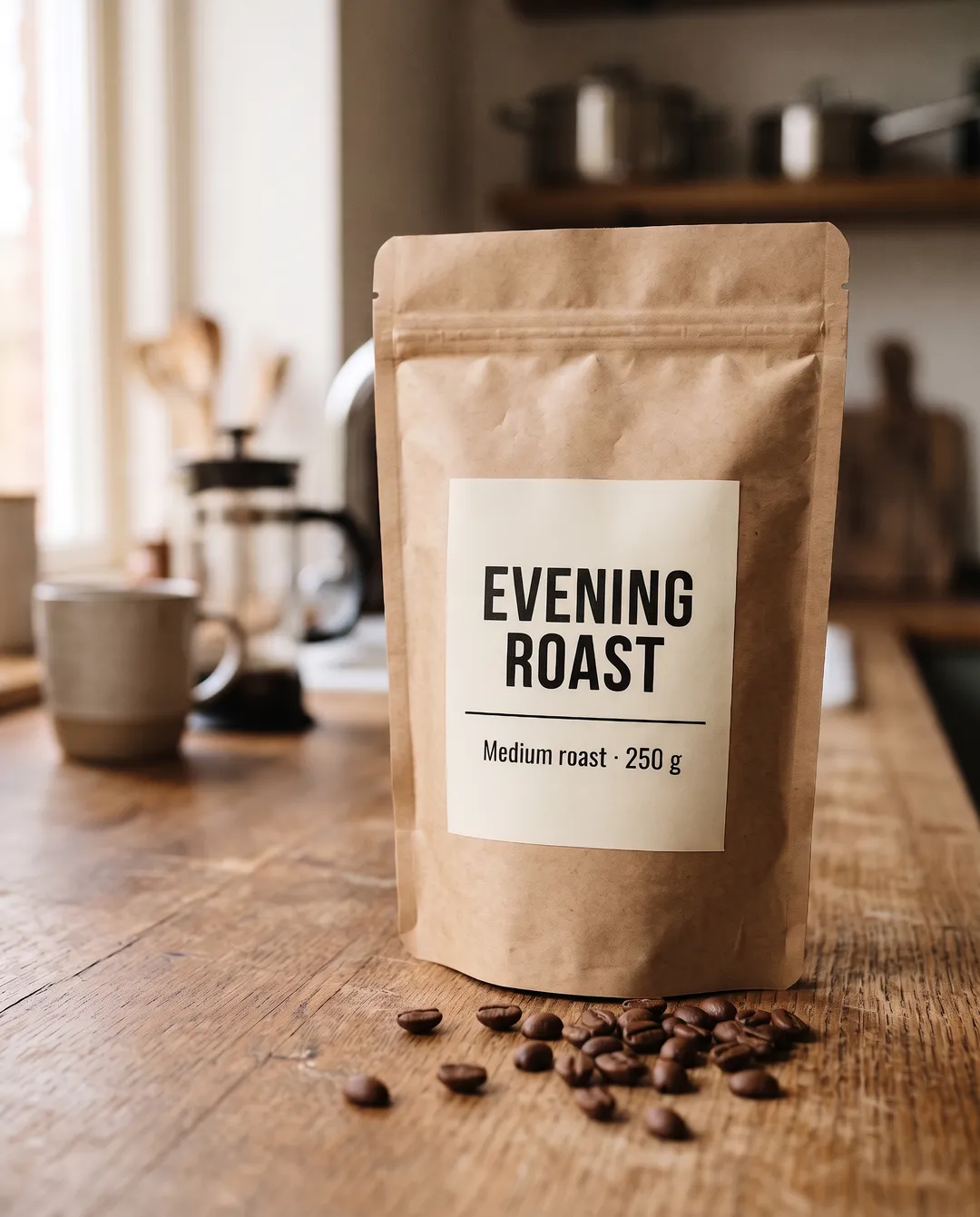
All three spelled the new title correctly and matched the font. For short text Style is enough. For long lines or small print, use Standard or Pro and check every letter.
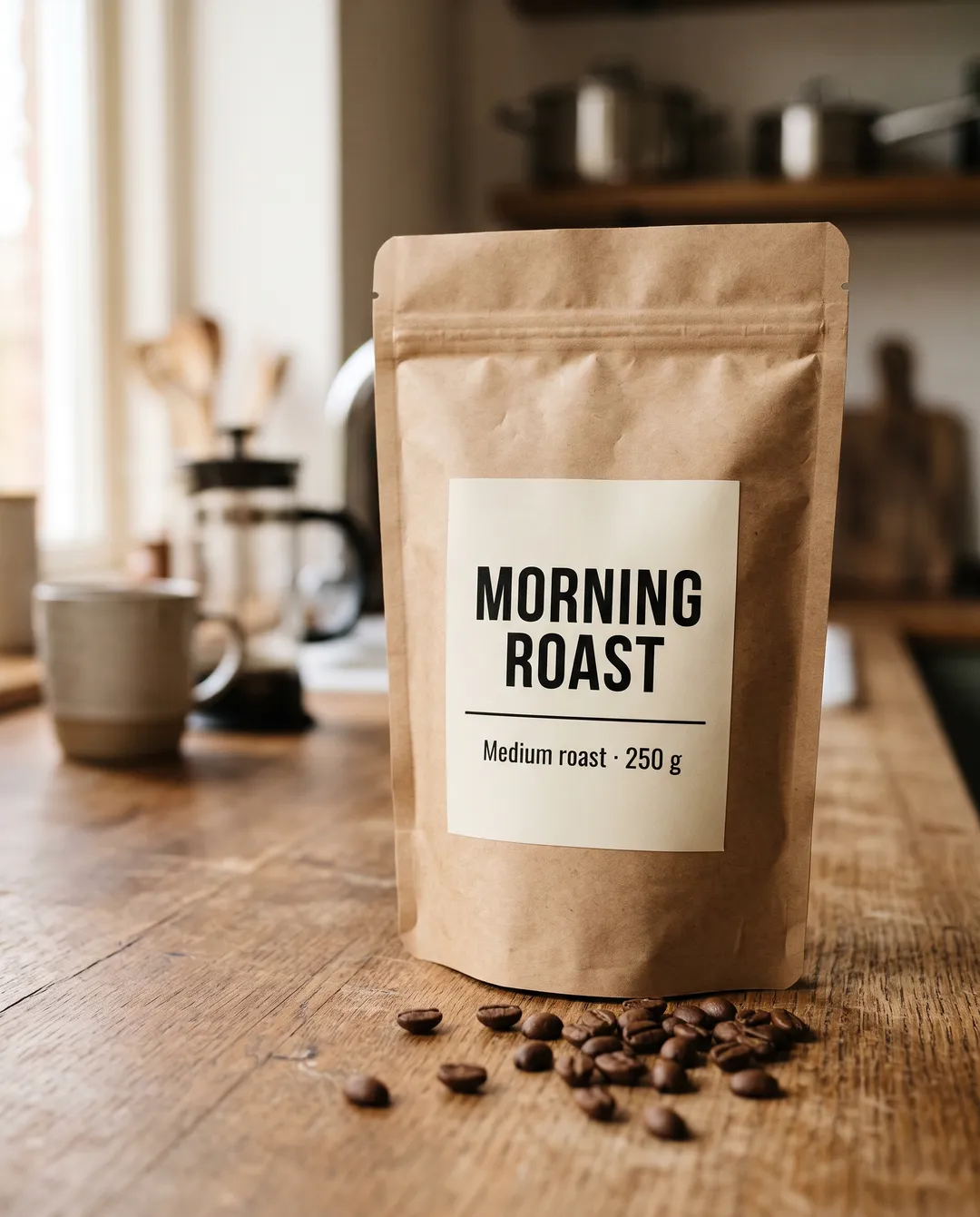
Change the label text from "MORNING ROAST" to "EVENING ROAST". Keep the font, layout and everything else the same.
- Original
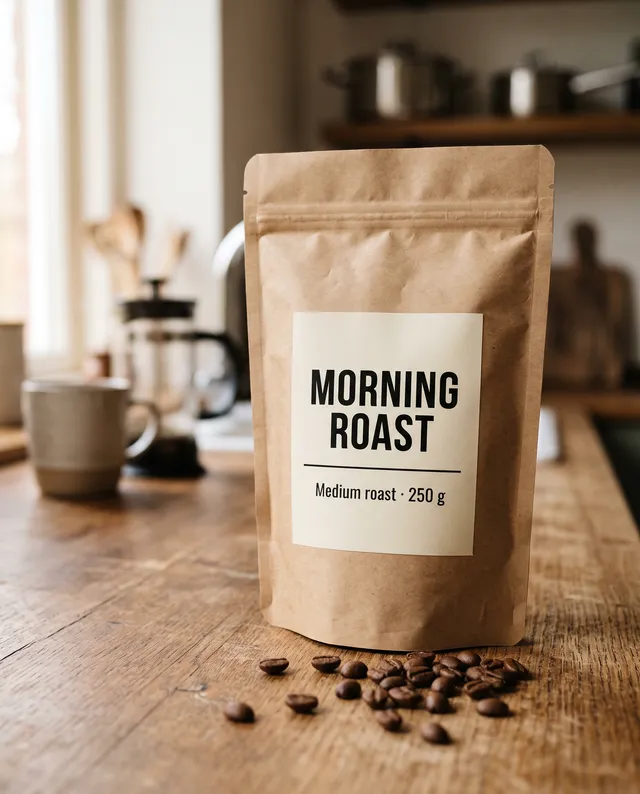
 StyleSeedream 5.0 Lite · 3 credits · 61 s
 StandardNano Banana 2.1 · 4 credits · 34 s
 ProNano Banana Pro · 16 credits · 46 s
Style costs 3 credits, Standard 4 and Pro 16. Pro needs a paid plan or a credit pack. Times are from our runs and vary with load.
Which tool for which job
Pick the tool by the job. Credits and models come straight from our price list.
Change clothes, hair, light or text with a prompt
AI Image Editor- Credits
- 3–16 credits
- Free without an account
- No
- Model
- Seedream 5.0 Lite, Nano Banana 2.1 or Nano Banana Pro
Combine up to 5 photos in one image
AI Image Editor- Credits
- 3–16 credits
- Free without an account
- No
- Model
- Seedream 5.0 Lite, Nano Banana 2.1 or Nano Banana Pro
Transparent PNG for a store, a logo or a sticker
Background Remover- Credits
- 1 credit
- Free without an account
- 3 a day
- Model
- BiRefNet v2
New background for a headshot or a product
Change Photo Background- Credits
- 4 credits
- Free without an account
- No
- Model
- Nano Banana 2.1
Erase people, wires, clutter or a date stamp
Remove Object from Photo- Credits
- 2 credits
- Free without an account
- No
- Model
- Nano Banana 2
Clear tourists or a crowd out of a travel photo
Remove People from Photo- Credits
- 2 credits
- Free without an account
- No
- Model
- Nano Banana 2
Enlarge a small or blurry photo
Image Upscaler- Credits
- 1–10 credits
- Free without an account
- 2× only, 3 a day
- Model
- SeedVR2, Topaz on Pro
Repair a torn, creased or faded print
Photo Restoration- Credits
- 2 credits
- Free without an account
- No
- Model
- Nano Banana 2
Add color to a black-and-white photo
Colorize Photo- Credits
- 2 credits
- Free without an account
- 3 a day
- Model
- Nano Banana 2
Stage an empty room or show it at dusk
AI Image Editor- Credits
- 3–16 credits
- Free without an account
- No
- Model
- Nano Banana 2.1 on Standard
A free account gets 10 credits with no card, plus up to 18 a week from the daily check-in. Pack credits never expire.
Credits you can count on
Credits back on failure
If a run fails or the model refuses it, the credits return to your balance automatically. You only pay for results.
10 free credits, no card
Enough for 2 edits on Standard, 3 on Style, or 10 background removals. Check in daily for up to 18 more a week.
Pack credits never expire
Packs start at $9.99 for 100 credits. Use them this week or next year. If you edit a lot, a monthly plan gives about twice the credits for the same price.
No watermark, full size
Every download is the full result, with no logo on it and no paid upgrade to remove one.
The model is always named
Each result shows which model made it and how many credits it used, so you know what you paid for.
What AI photo editing still gets wrong
These came up in our own tests across all eight tools. Knowing them saves credits.
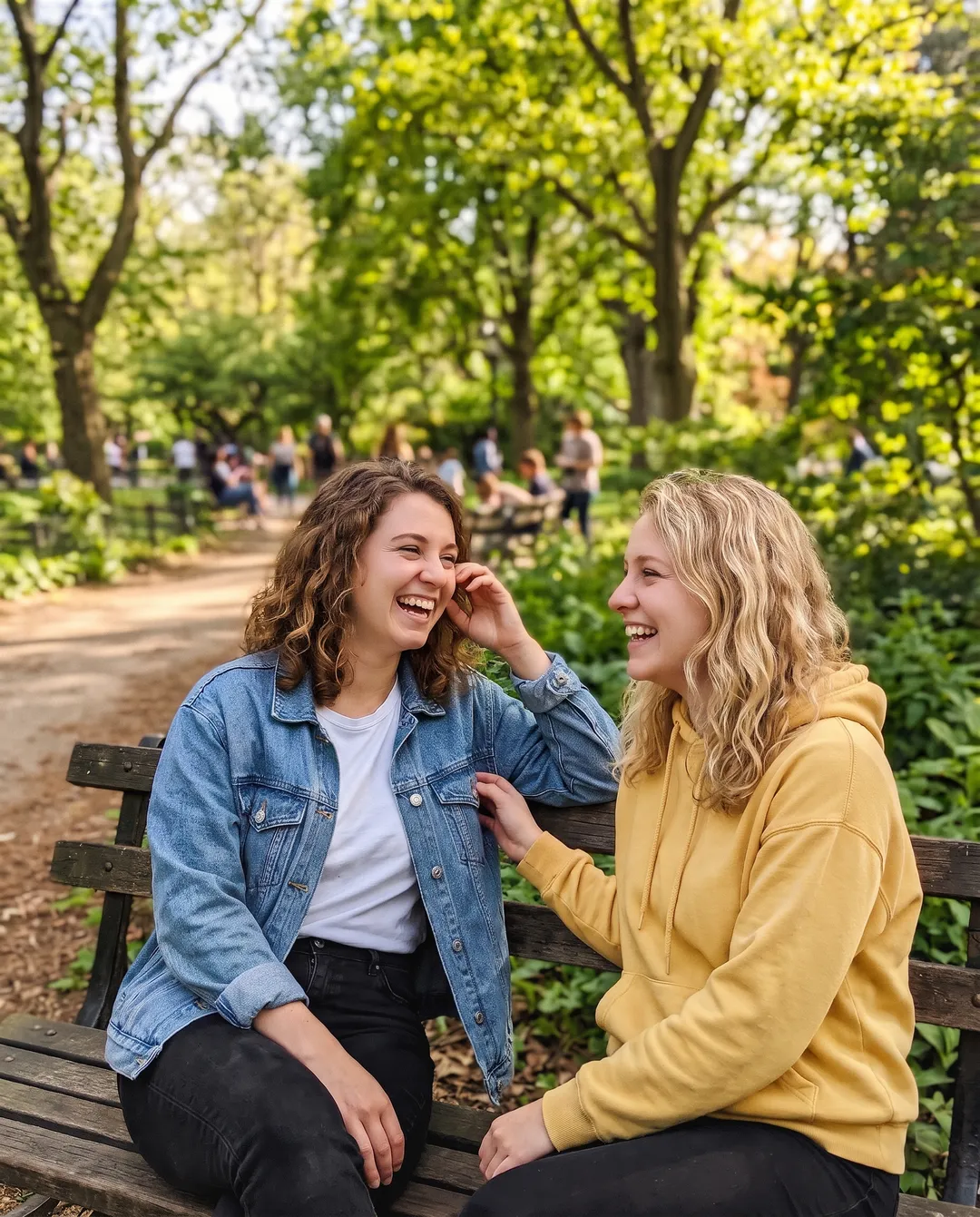
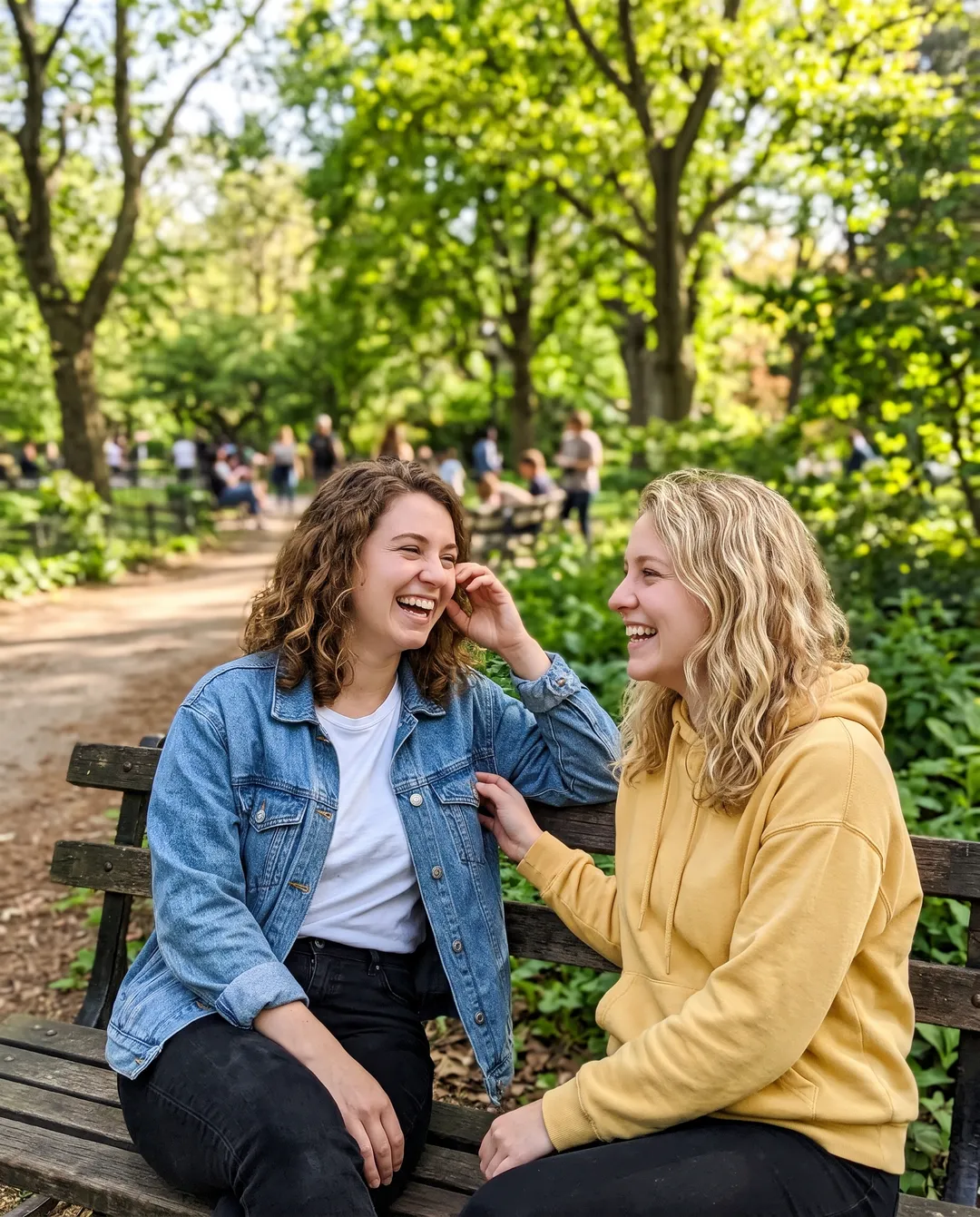
A vague style prompt can come out too subtle
We asked the editor for a 90s film look in one short sentence. The result is only slightly warmer than the original. Describe the look in detail, or try another tier.
Left: the original · Right: a short style prompt on Standard
Long text can be misspelled
Short titles came out right. Long sentences and small print can lose or swap letters, so read the result before you print it.
Cutouts keep every object in front
The background remover keeps everything in the foreground, such as a towel next to a mug. Crop the photo to the subject before you upload so only it is kept.
Restoration can invent small details
In one restoration run the model added a ribbon bar to a uniform that had none. Check badges, jewelry and lettering against the original print.
Upscaling invents texture on tiny photos
From a very small input, skin, fur and fabric get plausible detail, not the real detail. It looks sharp, but it is not evidence.
Not for fake documents or misleading photos
The models refuse many edits of IDs, receipts and real people in made-up situations, and our terms forbid them.
Output size: the AI editor and restoration return about 2K on the long edge. For a large print, run the result through the Image Upscaler.
AI photo editor FAQ
Something else? Email support@theaiphotoeditor.com
Start with a photo
Sign up for 10 free credits, then check in daily for more. No card needed.
or drop a photo anywhere on this page
Updated Oct 2026 · 38 real results on this page, from 223 on our tool pages